Adjust
Light, color, Curves, Color Mix, Selective, Clarity, Structure and Dehaze.
 Get Vissulo
BUILT AROUND YOUR PHOTO, NOT THE CLOUD
A complete Android photo studio with private on-device AI, precise manual controls and creative tools that stay close to the way you actually edit.
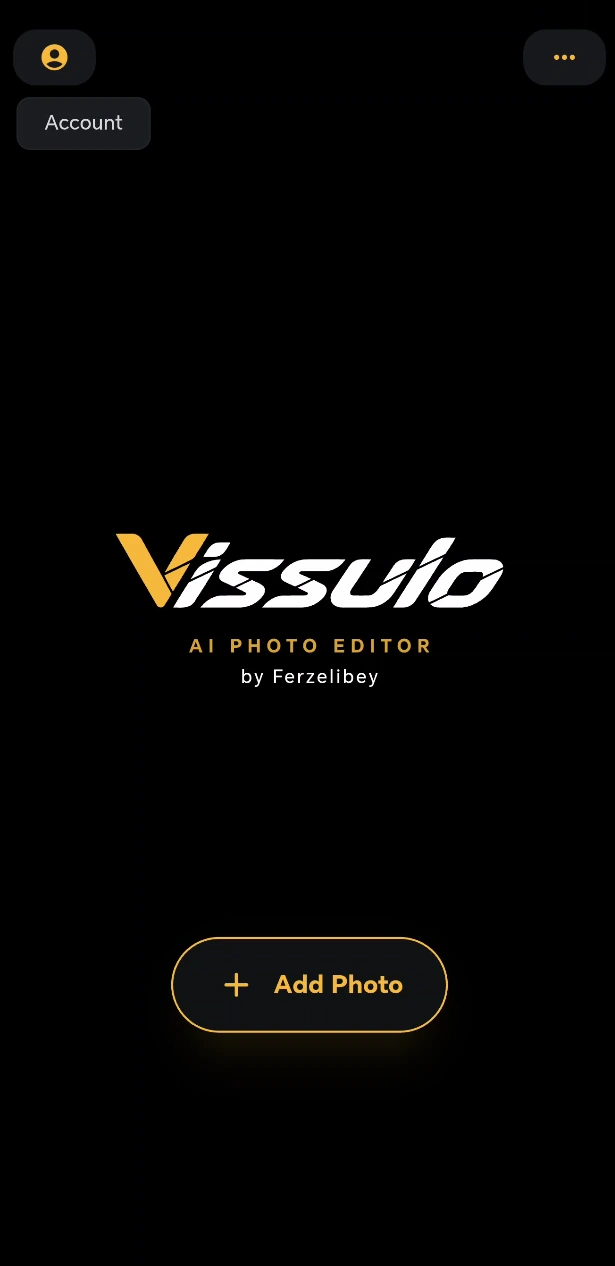
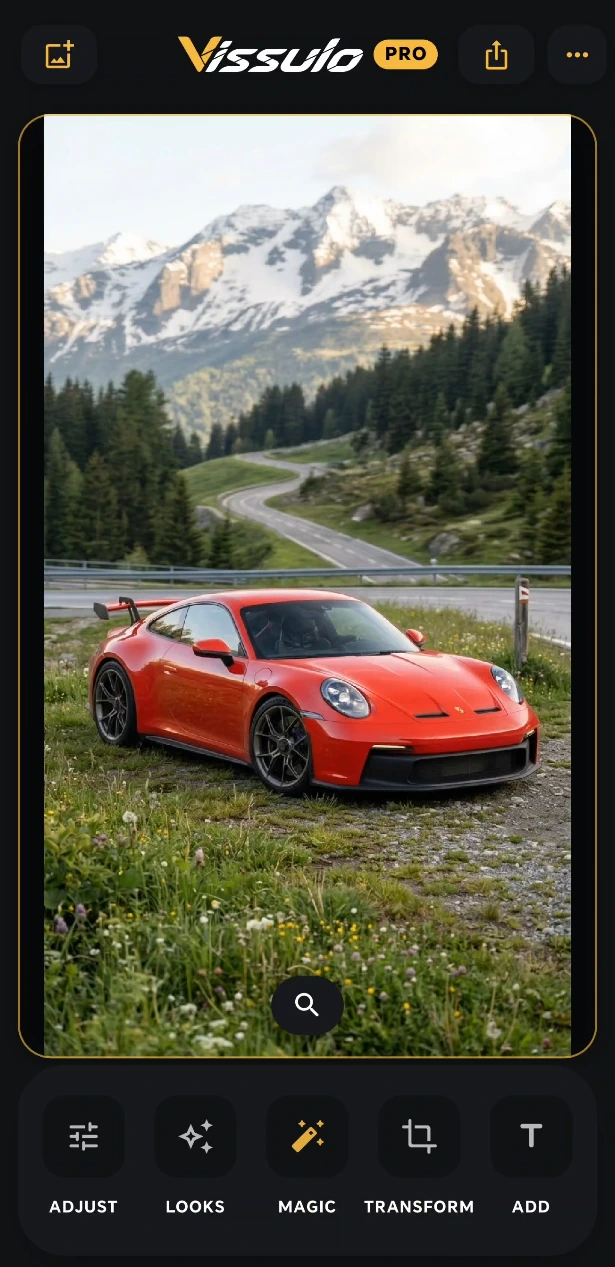
01 / THE VISSULO STUDIO
Vissulo is organized around the way edits happen: fix the image, build a look, use AI where it helps, transform the frame, then add whatever makes it yours.
Light, color, Curves, Color Mix, Selective, Clarity, Structure and Dehaze.
Filters, LUTs, textures, light leaks, grain, effects and saved presets.
DSLR Focus, Relight, AI Select, BG tools, NoiseOFF, Undark, Upscale and Boost.
Crop, rotate, straighten and flip with a direct, visual workflow.
Text, stickers, image layers, paint and collage tools with independent editing.
02 / MAGIC, WITHOUT LOSING CONTROL
Vissulo uses local AI to create useful starting points and masks, then leaves the edit in your hands.
Build depth-of-field from AI scene depth, choose the focal area and shape a more camera-like sense of separation.
Depth-aware editingReposition light after the shot. Tune direction, intensity and softness instead of settling for the light you captured.
Target a subject or object without manually tracing a complex mask.
Isolate a subject for transparent-background images and layered edits.
Create portrait-style background softness with automatic subject separation.
Bring visibility and detail back to dark or underexposed photos.
Reduce grain and low-light noise using local AI processing.
Increase resolution while recovering cleaner edges and finer detail.
Lift the main subject with intelligent brightness and detail enhancement.
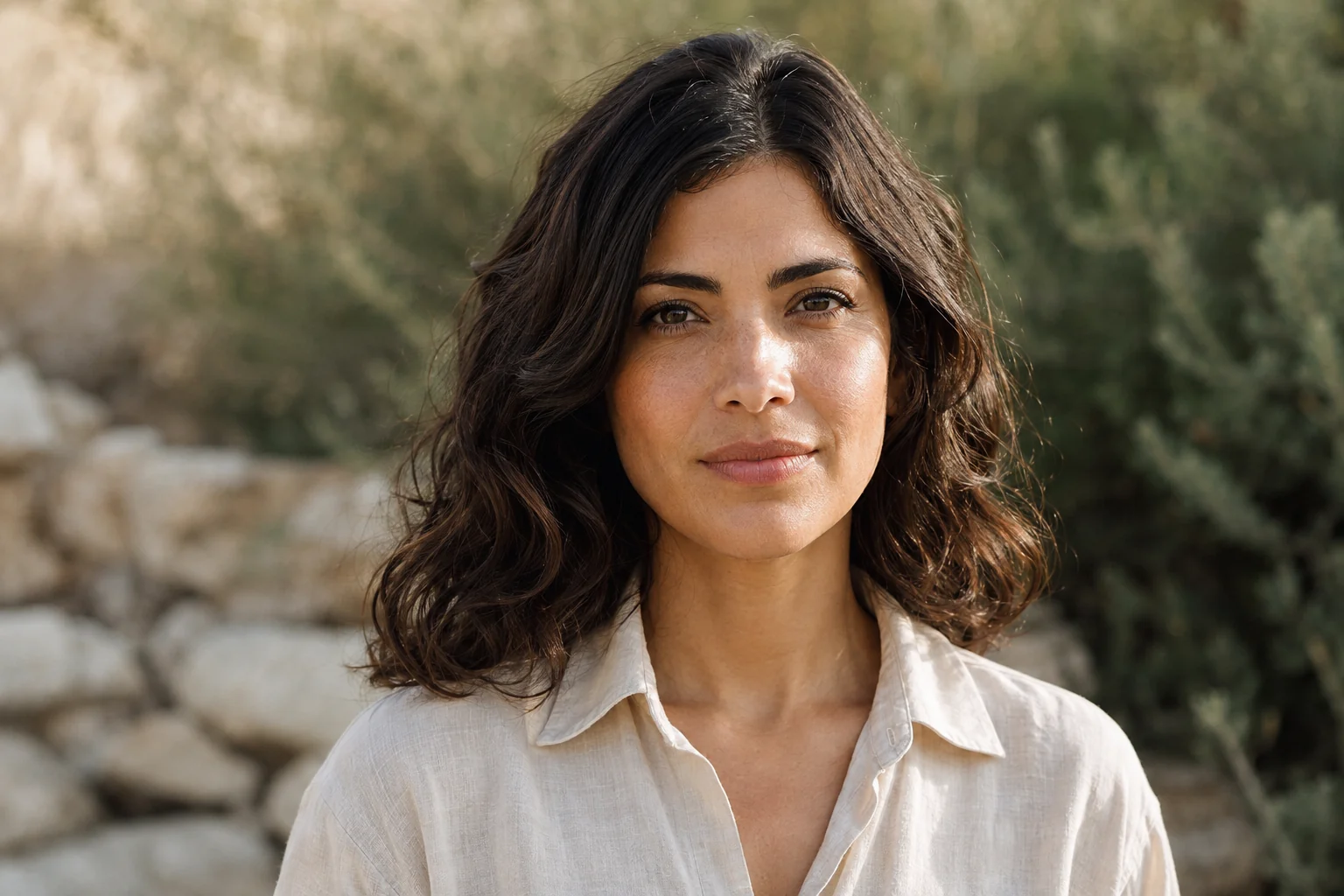 BEAUTY STUDIO / PORTRAIT
03 / BEAUTY STUDIO
Retouch, reshape, makeup, body and hair controls live in one portrait workspace, with person-aware editing for group photos.
Refine skin texture and tone, brighten teeth, bring attention to the eyes and use manual healing when you want precision.
04 / PRECISION WHEN YOU WANT IT
Fine-tune light, color and detail manually, or start earlier in the pipeline with a dedicated RAW workflow.

05 / CREATE BEYOND THE PHOTO
Vissulo's Add workspace treats text, stickers, images, paint and collage content as things you can keep moving, scaling, rotating and refining.
Move, scale, rotate, blend, duplicate, hide and delete creative elements independently.
Cut objects from your photos with AI Select, freehand or shape selections and reuse them creatively.
Draw over a photo or clean canvas, then build collages with spacing, margins, corners, backgrounds and positioned images.
06 / PRIVATE BY DESIGN
Core AI tools run on your device and can keep working offline. No photo upload is required for core AI processing.
Connected services such as optional sign-in and purchases may require internet access. See the privacy policy for details.
Read the privacy policyA FEW GOOD QUESTIONS
Core AI photo editing runs on your device and can work offline. Connected services, including sign-in and purchases, require internet access.
You can use free editing without creating an account. Sign-in is optional.
Yes. Vissulo includes a RAW development workflow for exposure, tonal range, white balance, clarity and structure before you continue into the full editor.
Retouch, face reshape, makeup, body proportion and hair controls, plus person-aware targeting for group photos.
Vissulo is available for Android 9 and later. Check Google Play for compatibility with your device and current availability.